Google Business Profile Verification Service – Get Verified Fast
Get Verified on Google Maps, boost local SEO, and attract more customers - without the hassle.
To apply for your Google Business Profile that is suspended, you will need:
- Your Business Registration / License displaying the business name and address that matches the listing you are appealing for. Accepted documents include official business registration, business license, or tax certificates. Companies House document is a non-negotiable.
- A utility bill displaying the same business name and address as your registration/license, or tax certificates. Utility bills may include any of the following: electricity, phone, gas, water, sewage, TV license, internet bill.
- Signage at the premises, photographs including exterior, street sign, Correct signage showing Company name, website address, phone number and email.
- Your Google Business profile ID.
- Date of first application or second application.
We then review your documents and send you a link to re-apply once your documents are authorised.
You will need the following information before Google will consider making your Google maps listing live:
How It Works
1️⃣
Audit – We check your current profile or set one up for you.
2️⃣
Verification – We manage the official Google verification process.
3️⃣
Optimisation – We fully optimise your profile for maximum visibility.
4️⃣
Growth – More local customers can now find and contact you.
Ready to get your business verified?

Why Verification Matters
- Without verification, your business may not show in Google Maps.
- Customers are less likely to trust unverified businesses.
- Competitors with verified profiles will appear above you in search.
At Connect SEO, we provide a fast, professional Google Business Profile verification service that gets your business visible on Google Search & Maps — so customers can find and contact you easily.
Get Verified NOW...
Contact us for help today
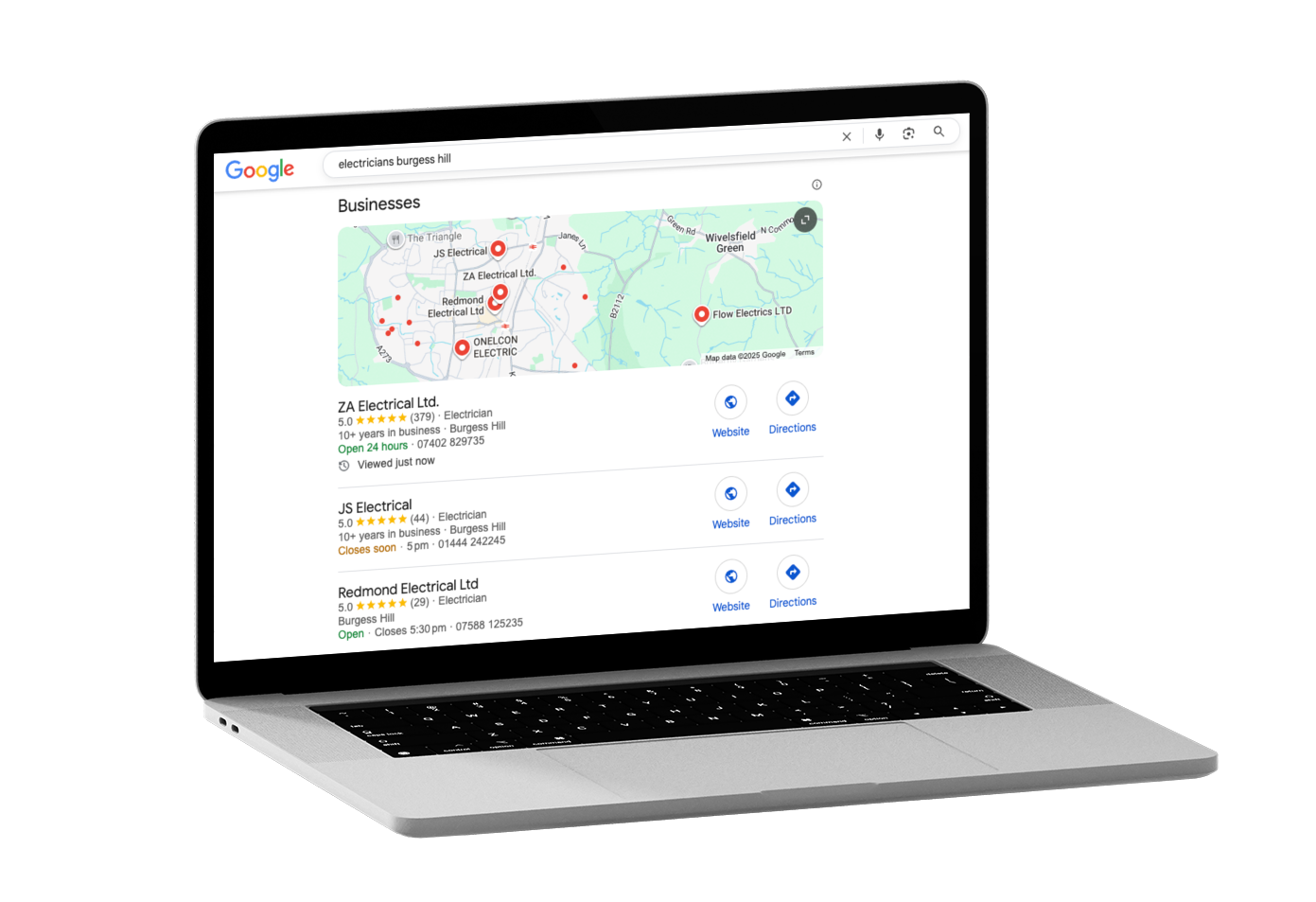
What You Get with Our Verification Service
✅ Verified Google Business Profile — appear in Maps & local search.
✅ Hassle-free process — we manage phone, email, or postcard verification.
✅ Profile optimisation — photos, services, hours, description.
✅ Ongoing support — if issues like suspensions or flags occur.
Ready to appear on Google Maps?
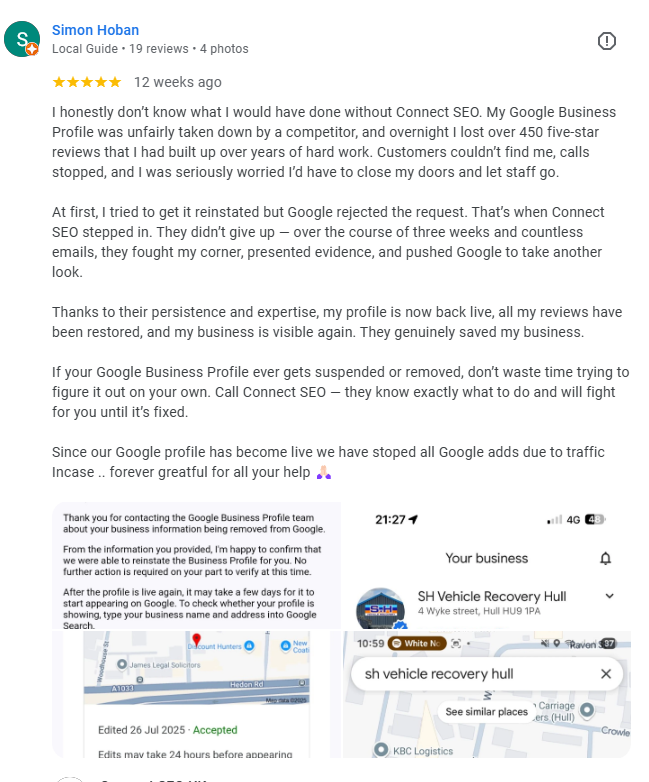
Businesses We’ve Helped
Why Choose Connect SEO
✔ UK-based experts in Google Business Profiles.
✔ Founded by a real tradesman who scaled his own business with GBP.
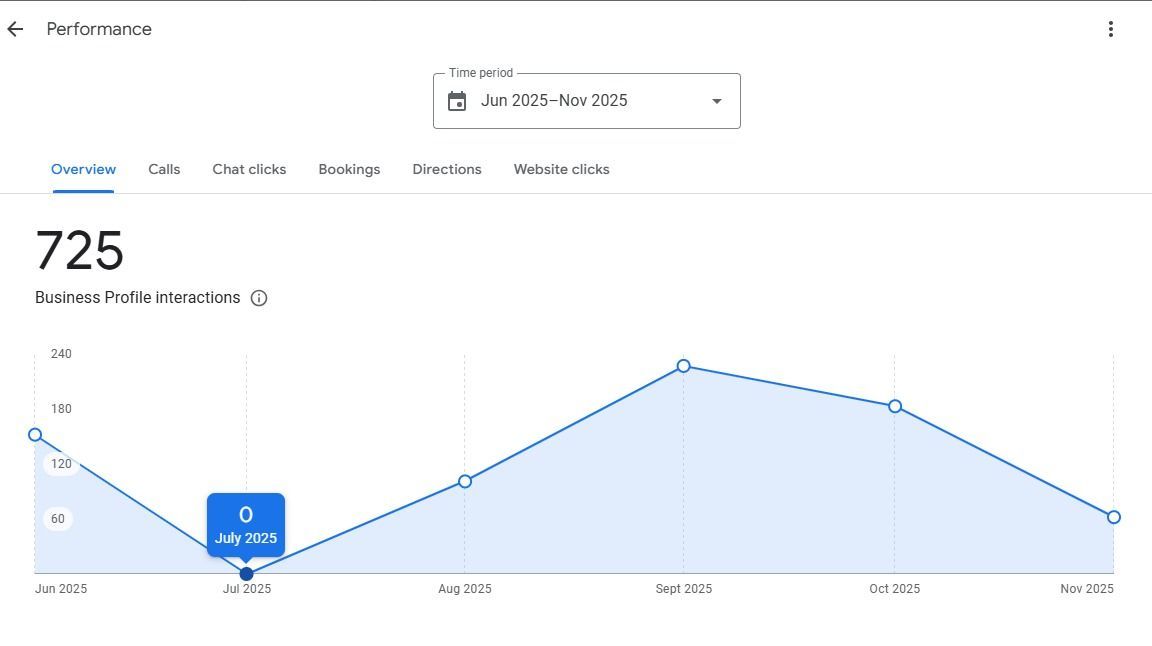
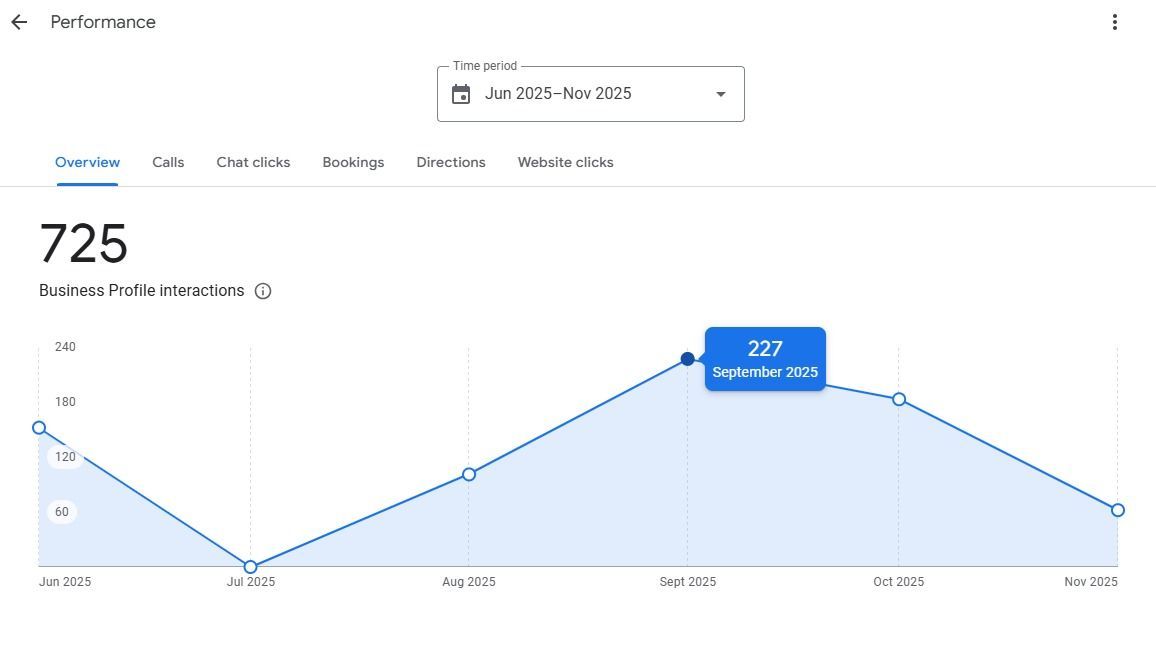
✔ Proven track record in local SEO success.
✔ Over 2 million views as a trusted Google Local Guide.
You're not just hiring a digital marketer — you're partnering with someone who knows both your trade and the local search system inside out.
Don’t let your business stay hidden — we’ll get you verified and optimised so customers can find you on Google Maps and Search.
To answer some questions...
How long does GBP verification take?
Postcard verifications take 5–14 days. Phone, email, or video options (if available) can verify your listing instantly. We guide you based on your eligibility.
What if I’ve already been rejected or suspended?
We specialise in reinstatements and re-submissions. We’ll audit your setup, fix any policy issues, and resubmit for verification.
Can I use a home address?
Yes. You can list your home as a service-area business and hide the address from public view. We help you set this up to comply with Google’s guidelines.